Camera AI
Smart camera AI, watching 24/7
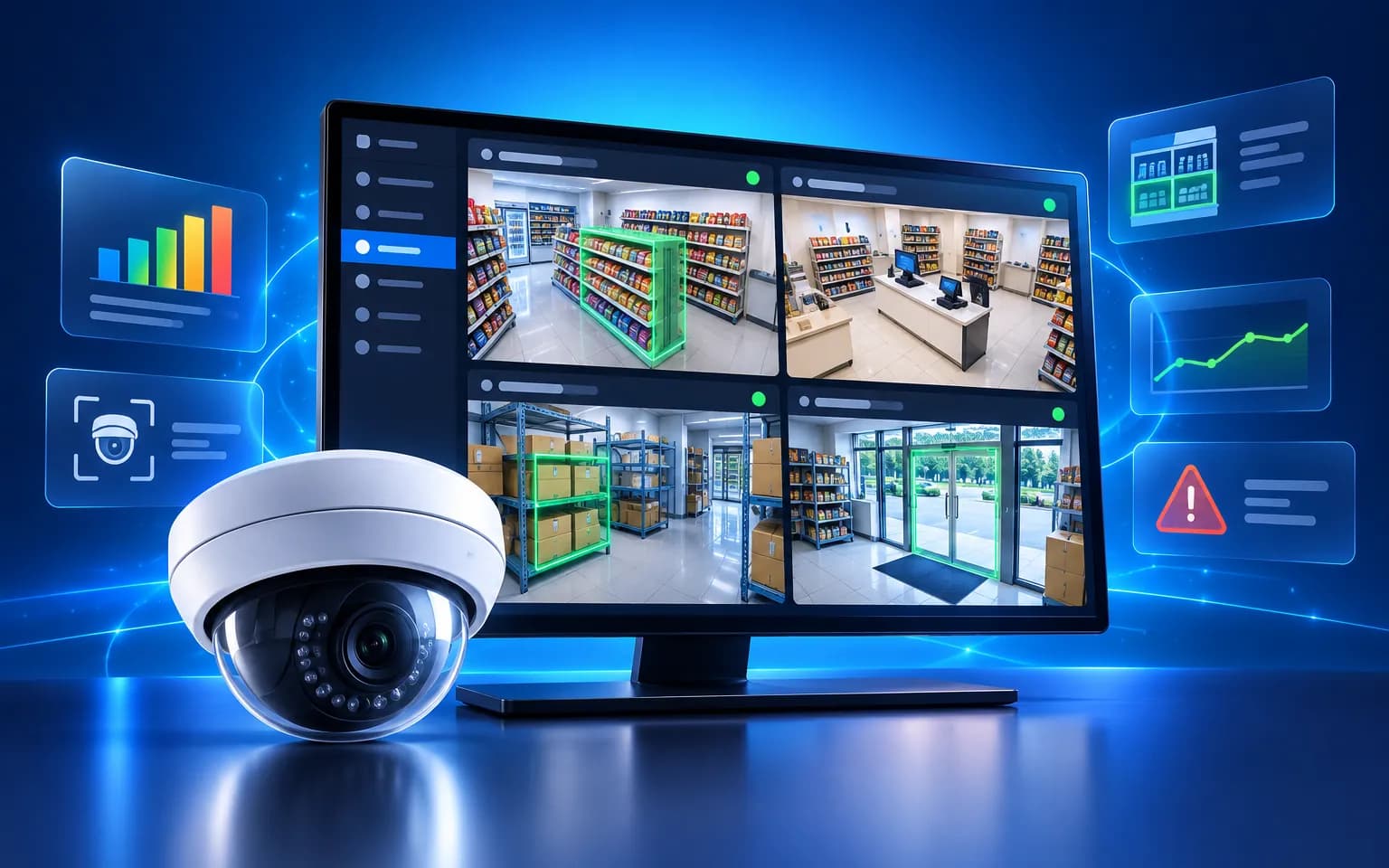
Turn your existing cameras into operational data: live monitoring, visitor analytics, anomaly detection and central management of many stores.
- Works with existing cameras
- Real-time alerts
- Cloud or edge deployment
- Traffic & compliance reports
Camera AI
Introduction
Most stores, warehouses and buildings already have cameras, yet the footage is usually only reviewed after something goes wrong. No one can watch dozens of screens continuously, so empty shelves, long queues or people entering restricted areas are noticed too late. Questions such as when traffic peaks, which areas draw attention and whether procedures are followed are still answered by gut feeling.
VPLUS Camera AI uses computer vision to understand the video from the cameras you already have. It counts visitors by zone and time of day, detects unusual behaviour or abandoned objects, sends instant alerts and compiles reports. Managers follow many stores from one screen and decide based on evidence rather than guesswork.
System overview
Camera AI is designed to plug into the infrastructure you already have, without forcing a hardware refresh. The processing flow looks like this:
- Connect cameras. The system ingests video from common IP cameras that support RTSP/ONVIF.
- Define zones and goals. Administrators mark entrances, checkouts, shelves or restricted areas and choose the analysis for each zone.
- Analyse at the edge or in the cloud. Computer-vision models detect objects and events. Edge processing saves bandwidth and keeps footage close to where it is captured.
- Apply rules. Detections are checked against rules by zone, time window and event type.
- Alert and aggregate. Important events are pushed via app, Zalo or email, and data is rolled up into footfall and compliance reports.
Key capabilities
Object detection
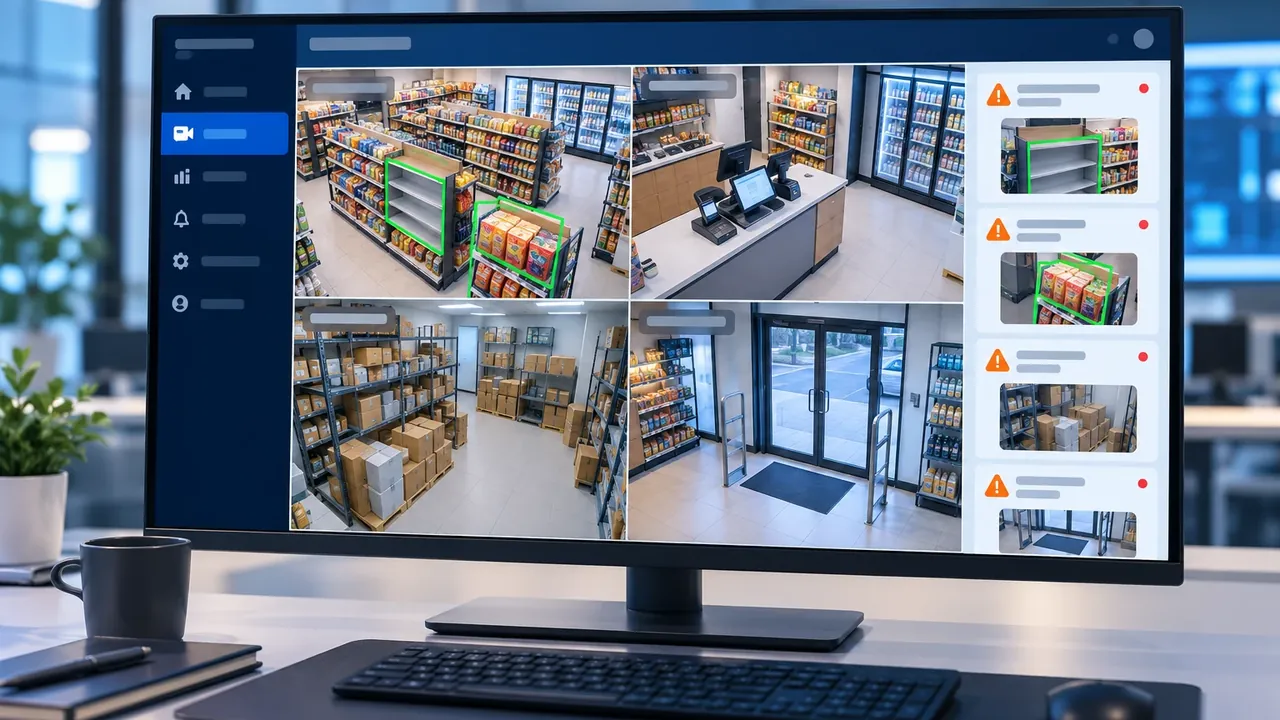
The system recognises people, products, vehicles and protective gear directly in the image. Each object is labelled so operators can understand the situation at a glance.
The multi-camera view lets you watch several locations at once, with the signals that matter highlighted instead of left for viewers to find.
Footfall analytics
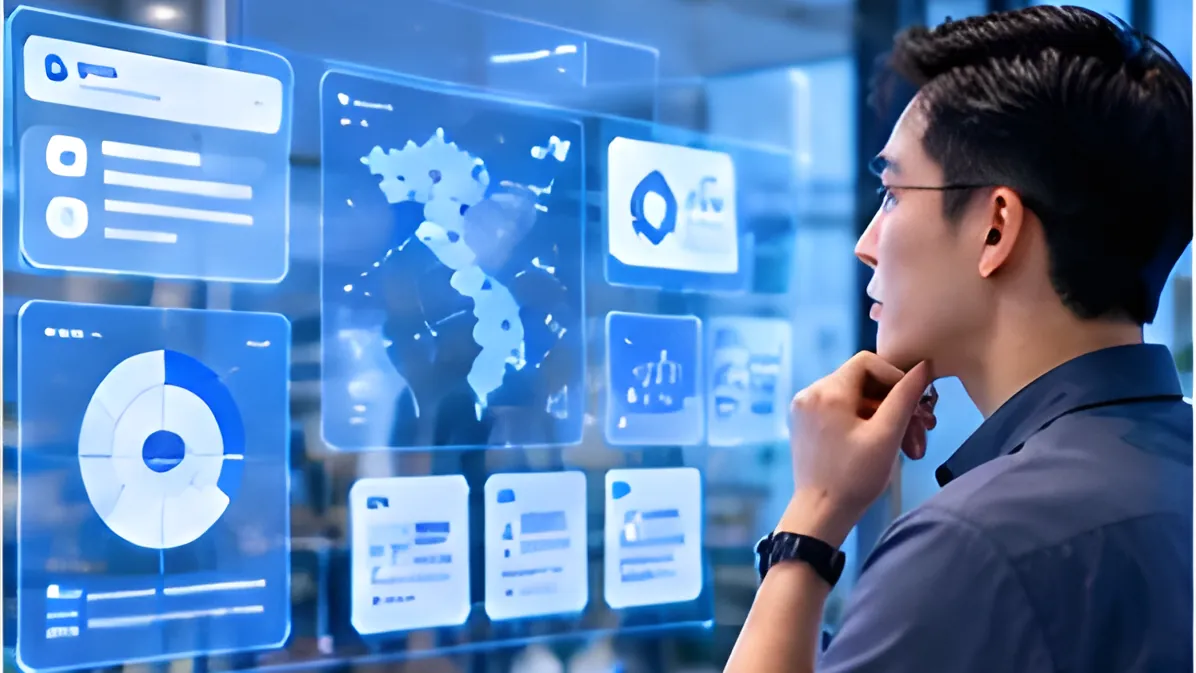
Camera AI counts visitors, measures dwell time and maps heat zones across a store or public space. Hourly data makes peak times and high-interest areas easy to see.
With that, you can staff to real demand, rework your layout and measure the effect of each change with data.
Shelf monitoring
The system detects empty shelves and products placed in the wrong spot. Staff are prompted to restock in time, so shoppers are less likely to leave without finding what they came for.
Rule-based instant alerts
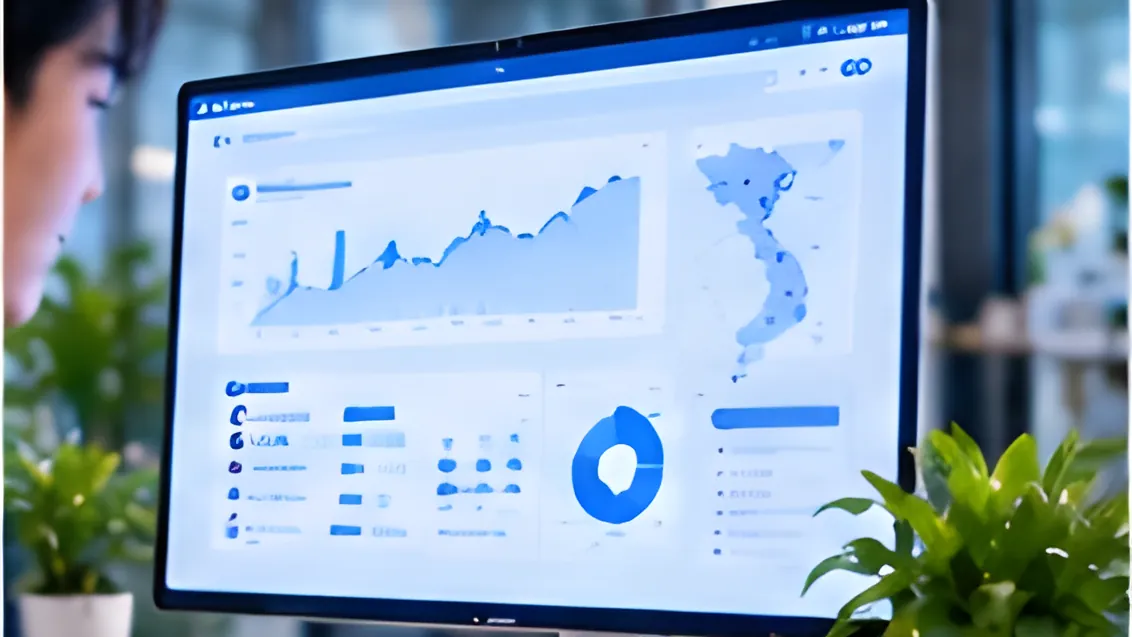
Alert rules are configured flexibly by zone, time window and event type: a checkout queue that is too long, after-hours access to storage, a missing uniform at the counter. Notifications go via app, Zalo or email to the person responsible.
Every event is stored with its time and location, building a log your operations team can review to improve procedures.
Cloud or edge
Choose cloud processing for centralised management, or edge processing for fast response, lower bandwidth and better privacy. Both models can work together in one multi-site deployment.
IP camera compatible
Camera AI connects to common RTSP/ONVIF cameras, protecting your existing investment and letting you expand site by site.
Business benefits
- Use what you have: get value from installed cameras instead of buying a new system.
- Respond in time: catch issues as they happen rather than on replay.
- Data-driven decisions: footfall, dwell time and heat zones instead of intuition.
- Smarter staffing: put people where and when they are needed most.
- Stronger compliance: monitor safety gear, uniforms and procedures consistently.
- Central oversight: follow many locations from a single interface.
Use cases
Retail chains
A convenience store chain wants to understand why revenue varies between locations. Camera AI counts visitors by hour, flags long checkout queues and reminds staff when the drinks shelf is running low. Area managers compare stores on one dashboard and adjust shifts accordingly.
Factories & warehouses
A warehouse needs to ensure that only authorised staff enter restricted zones and that everyone wears protective gear. The system detects after-hours access and missing safety equipment, alerting the shift lead to act on the spot.
Buildings & offices
An office building wants tighter security and a clearer picture of how shared spaces are used. Camera AI monitors entrances, flags unusual after-hours activity and reports on lobby and meeting-room usage to streamline operations.
In retail, Camera AI is a natural part of Smart Retail, linking shelf and footfall data with inventory and sales.
Deployment & security
Camera footage is sensitive data, so Camera AI is designed to let you decide where it is processed and who can see it.
- Multiple deployment models: cloud, edge at each site, or on-premise within your own infrastructure.
- On-site processing: with edge deployment, video is analysed near the camera and only the necessary results are sent to the central system.
- Tenant isolation: each company’s data is kept separate.
- Role- and site-based permissions: people see only the cameras, events and reports within their remit.
- Encrypted connections: data is encrypted in transit between devices and the platform.
Try it on the real system
See Camera AI at work rather than just reading about it. Register for a trial account to explore the monitoring view, footfall analytics and alert rules on the real system, and picture exactly how it would work with your own cameras.
Create an account to try Camera AI on the real system.
Try it- Works with existing cameras
- Real-time alerts
- Cloud or edge deployment
- Traffic & compliance reports
Key features
Object detection
People, products, vehicles and protective gear.
Footfall analytics
Visitor counts, dwell time, heat zones.
Shelf monitoring
Empty shelves and misplaced products.
Instant alerts
Rule-based notifications via app, Zalo or email.
Cloud or edge
On-site processing to save bandwidth and protect privacy.
IP camera compatible
Connects common RTSP/ONVIF cameras.
Product interface
A few representative screens of the product.
Illustration — sample data
01
Multi-camera monitoring
Watch several locations at once with detected objects labelled live on screen.
Illustration — sample data
02
Footfall analytics
Visitors per hour, dwell time and heat zones to optimise layout and staffing.
Illustration — sample data
03
Alerts & events
Flexible alert rules by zone, time window and event type.
Built for
Retail chains
Footfall, empty shelves, checkout queues.
Factories & warehouses
Safety and zone access.
Buildings & offices
Security monitoring, usage analytics.
Hands-on experience
Experience Camera AI on the real system
Sign up for a trial account or book a demo to try the product on the real system with sample data.
System access is granted by VPLUS once your registration is confirmed.
- 1
Sign up for a trial / demo account
Tell us about your business and what you need.
- 2
Experience environment activated
VPLUS prepares your account and sample data.
- 3
Try it on the real system
Use the full feature set, with VPLUS experts alongside you.
Ready to bring Camera AI to your business?
The VPLUS team will recommend the right setup for your size and processes.