
AI Assistant
A smart AI assistant for everyday work
Instant answers, workflow automation and data analysis in one AI assistant that knows your documents, products and processes.
- Trained on your company documents
- Omnichannel: website, Zalo, Messenger
- Hands over to staff when needed
- Permissions & data security
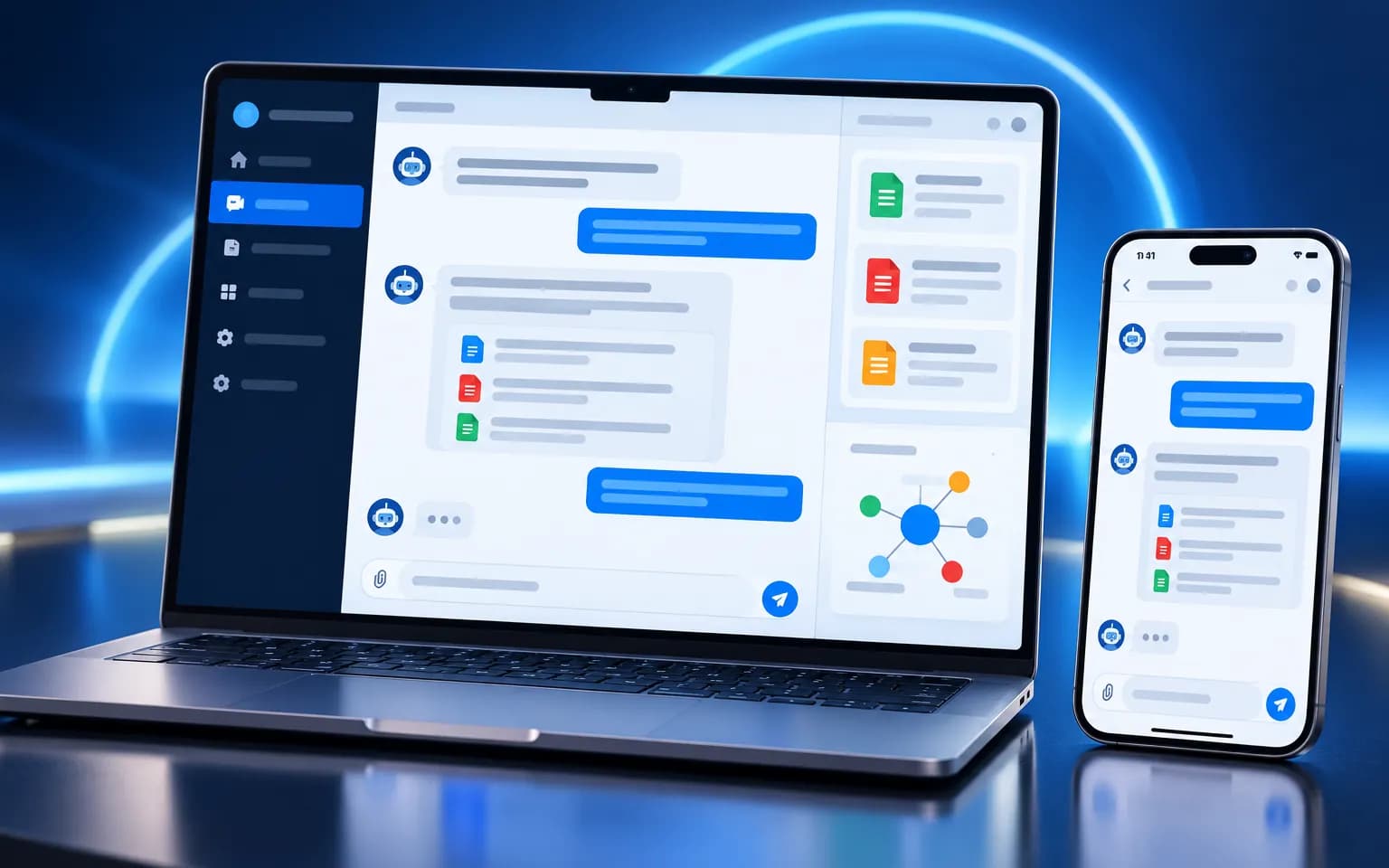
AI Assistant
Introduction
Every day your team spends hours on repetitive work: answering the same customer questions, hunting for scattered documents, pulling numbers together for reports, drafting emails and planning tasks. Key knowledge sits in the heads of a few people, so service quality depends on who happens to be on shift.
VPLUS AI Assistant is trained on your own documents, products and processes. Ask in plain language and it answers with sources, builds revenue reports, analyses sales data, drafts customer emails or plans the week’s work — and hands over to a colleague when a human is needed. One assistant serves customers and internal teams across your website, Zalo, Messenger and internal apps.
System overview
AI Assistant is built on retrieval-augmented generation (RAG). Rather than guessing, it first finds the relevant passages in your knowledge base, then composes an answer from them. Here is how it works:
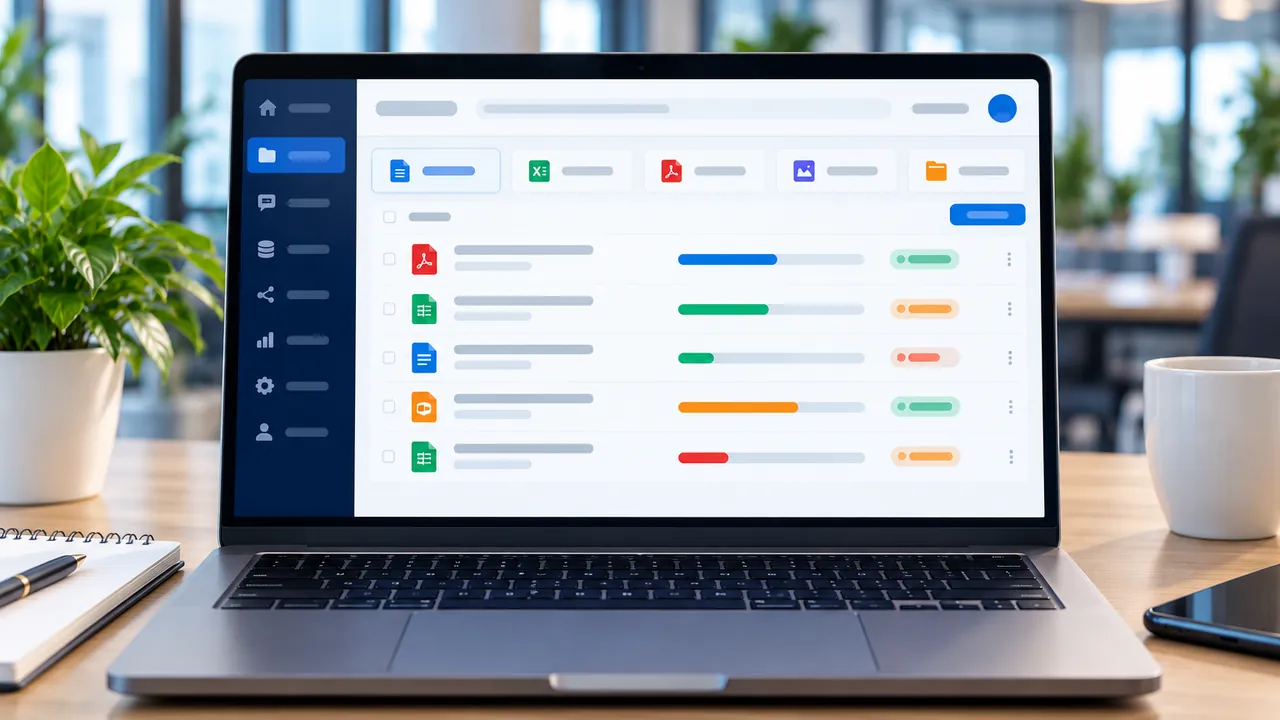
- Ingest knowledge. Upload product guides, FAQs, policies, price lists and internal procedures. Each document is processed and indexed automatically.
- Receive the question. Customers or employees ask on the channel they already use. The assistant understands intent and keeps the context of the whole conversation.
- Retrieve, with permissions. The system finds the most relevant knowledge, using only the sources the person asking is allowed to see.
- Answer with citations. A language model composes a clear answer and references the original documents so it can be verified.
- Hand over when needed. Questions beyond the knowledge base, or that need a human decision, are routed to the right staff member with full context.
- Measure and improve. Every conversation is logged so your team can monitor quality, spot knowledge gaps and fill them.
Key capabilities
Natural conversations
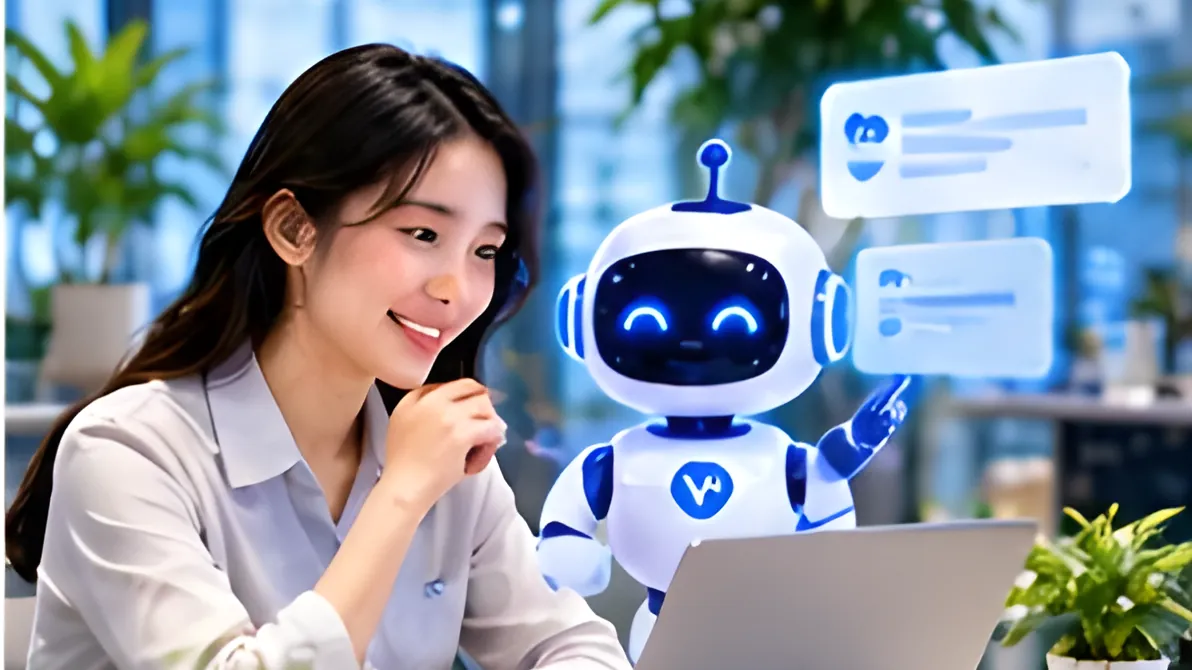
The assistant understands Vietnamese and English, including everyday phrasing, abbreviations and incomplete questions. It keeps context throughout the conversation, so a customer can simply ask “what about the other plan?” without starting over.
Its tone adapts to your brand: formal for financial services, friendly for retail, concise for internal look-ups.
Private knowledge (RAG)
Answers are grounded in your documents, not generic information from the internet. Each answer can carry a reference to its source, which builds customer trust and makes it easy for your team to double-check.
When a policy or price list changes, just update the document. It is re-indexed and the assistant answers with the new information, with no scripts to rewrite.
Omnichannel, one brain
A single assistant serves your website, Zalo OA, Messenger and internal apps. Knowledge, tone and rules are managed centrally, so customers get consistent answers whichever channel they choose.
Human handover
The assistant knows its limits. When a customer needs in-depth advice, has a complaint or requests a special transaction, the conversation is routed automatically to the right person. Staff pick it up with the full history, so customers never have to repeat themselves.
Reports and continuous improvement
Dashboards show top questions, satisfaction, self-service rate and the topics the assistant is not yet handling well. It is a clear map of where to add knowledge next.
Conversation data also reflects what customers really want, making it valuable input for product and marketing teams.

Security and permissions
Each company’s data is kept separate. Access to knowledge is controlled by role, so internal documents are only used to answer the people who are allowed to see them.
Business benefits
- Instant responses: customers get answers at any hour, including outside business hours.
- Freed-up teams: repetitive questions are handled automatically, so staff focus on cases that need expertise.
- Consistency across channels: one source of knowledge, one standard of answer.
- Trustworthy answers: grounded in official documents, with citations.
- Deeper customer insight: conversation reports reveal what customers care about.
- Faster onboarding: new employees find processes and documents themselves instead of waiting for help.
Use cases
Retail & e-commerce
A fashion retailer receives a wave of questions about sizes, materials and order status every evening. The assistant recommends products from the catalogue, explains the return policy and guides shoppers through order tracking. Complaints are handed to the customer care team first thing the next morning, complete with conversation history.
Finance & services
A financial services company needs to explain procedures, product conditions and fees precisely. The assistant answers from approved documents, cites the source for each detail and hands over to an advisor when a customer needs personal guidance.
Internal teams
A manufacturer has many operating procedures, forms and HR policies. Employees ask the internal assistant to find the right procedure, form or leave policy. New hires get up to speed faster, and HR spends far less time on repeat questions.
Paired with Social Marketing, the assistant can engage leads from social campaigns and advise them the moment they show interest.
Deployment & security
AI Assistant is deployed in the way that fits each organisation, from a ready-to-use cloud service to a dedicated deployment for teams that need tighter control over their data. Security is designed into the platform from the ground up.
- Flexible infrastructure: use it in the cloud or deploy it on-premise as needed.
- Tenant isolation: each company’s knowledge and conversations are kept separate.
- Role-based access: control who manages knowledge, who sees reports and which groups can access which documents.
- Encryption: data is encrypted in transit and at rest.
- Activity logs: administrative actions are recorded for review and auditing.
Try it on the real system
The best way to evaluate AI Assistant is to talk to it about your own documents. Register for a trial account, upload a few files, ask questions and see how the assistant answers, cites its sources and reports on the real system.
Create an account to try AI Assistant on the real system.
Try it- Trained on your company documents
- Omnichannel: website, Zalo, Messenger
- Hands over to staff when needed
- Permissions & data security
Key features
Natural conversations
Understands Vietnamese and English and keeps context across a conversation.
Private knowledge (RAG)
Answers grounded in your documents, with citations.
Omnichannel
One assistant for website, Zalo OA, Messenger and internal apps.
Human handover
Routes conversations to the right staff member automatically.
Reports & improvement
Question trends, satisfaction and knowledge gaps.
Security & permissions
Tenant-isolated data and role-based access.
Product interface
A few representative screens of the product.
Illustration — sample data
01
Customer conversations
The assistant answers product, policy and order questions instantly, with references.
Illustration — sample data
02
Knowledge base & training
Upload documents, FAQs and policies — they are indexed automatically so answers stay accurate.
Illustration — sample data
03
Conversation quality reports
Track top questions, self-service rate and the topics that need more knowledge.
Built for
Retail & e-commerce
Product advice, order tracking, after-sales care.
Finance & services
Procedures, products and policies explained.
Internal teams
Processes, documents, onboarding support.
Hands-on experience
Experience AI Assistant on the real system
Sign up for a trial account or book a demo to try the product on the real system with sample data.
System access is granted by VPLUS once your registration is confirmed.
- 1
Sign up for a trial / demo account
Tell us about your business and what you need.
- 2
Experience environment activated
VPLUS prepares your account and sample data.
- 3
Try it on the real system
Use the full feature set, with VPLUS experts alongside you.
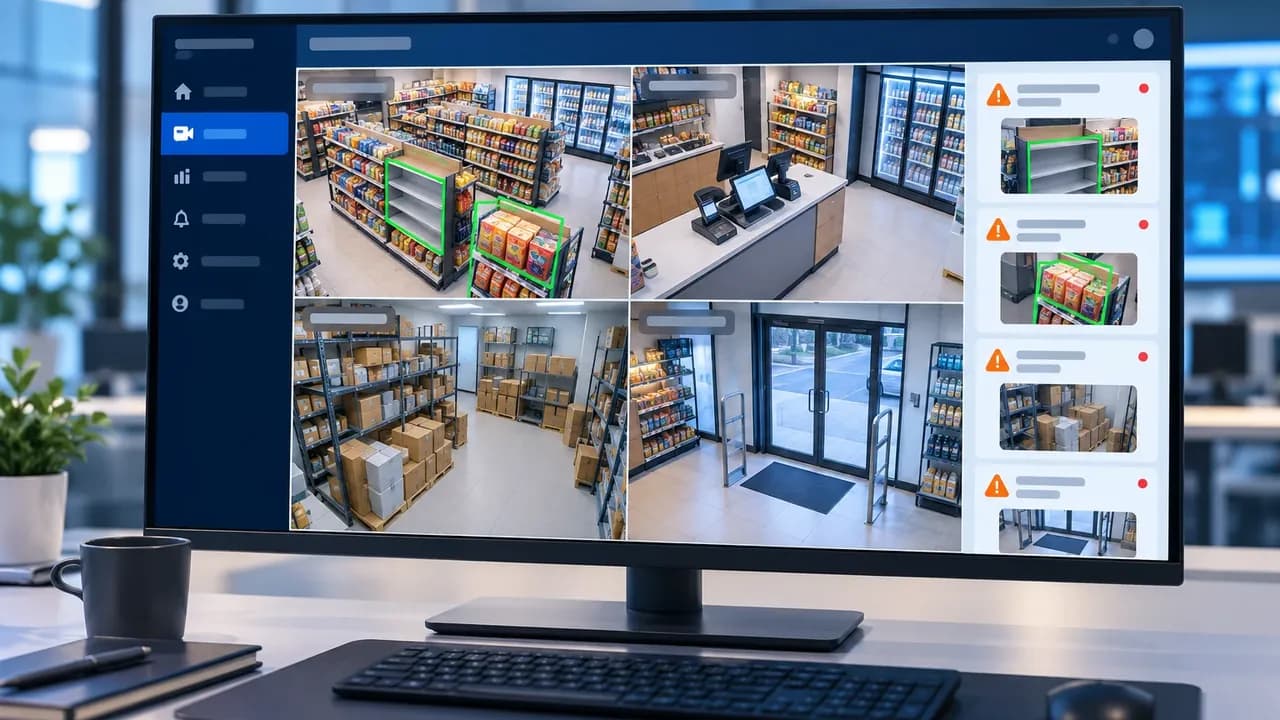
Ready to bring AI Assistant to your business?
The VPLUS team will recommend the right setup for your size and processes.