
Payment
Fast, convenient digital payments with a global reach
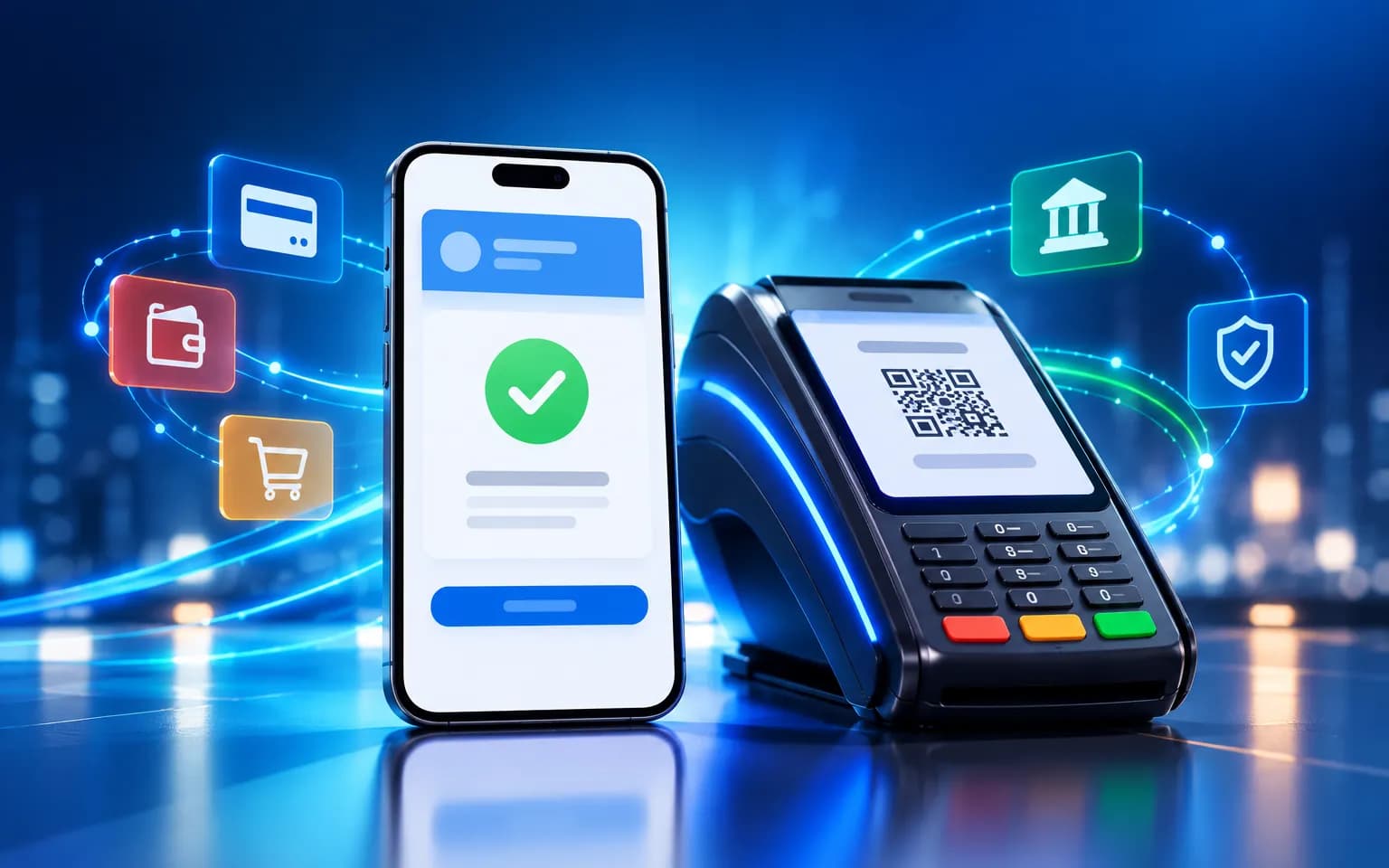
Dynamic VietQR payments and automatic reconciliation for stores, websites and apps, ready for cross-border trade with VBorder.
- Dynamic VietQR per order
- Automatic reconciliation
- Instant status updates
- APIs for websites & apps
Payment
Introduction
For many businesses, getting paid is still the most manual part of the sale. Cashiers read out account numbers, customers type amounts and transfer references by hand, and at the end of the day someone in accounting works through the bank statement line by line. A single mistyped character in a reference is enough to make the books stop adding up.
VPLUS Payment fixes this at the source. Every order gets its own dynamic VietQR code with the exact amount and reference already filled in, so customers simply scan and confirm. When the money arrives, the platform matches it to the right order, pushes the new status to your counter, website or app in real time and flags anything that does not line up. Together with the VBorder Global Connect ecosystem, scan-to-pay extends to travel, shopping and cross-border trade.
System overview
VPLUS Payment sits between your sales systems and digital payment channels. Whether the customer is at the counter or checking out online, every transaction follows the same consistent flow:
- Create a payment request. Your point-of-sale system, website or app sends the order details through the API. VPLUS Payment generates a unique VietQR code for that order, carrying the amount, a reference and an expiry time.
- The customer pays. They scan the code with their banking app, or choose another channel such as an e-wallet or card. Nothing needs to be typed.
- Receive and verify. When a transaction notification comes in, the platform checks the amount, reference and timing against the original request.
- Match and update. A matching transaction is attached to its order, and the new status is pushed straight back to your sales system via webhook.
- Reconcile and report. Underpayments, overpayments and missing references land in a review list. Revenue and reconciliation data are ready to export for accounting.
Key capabilities
Dynamic VietQR for every order
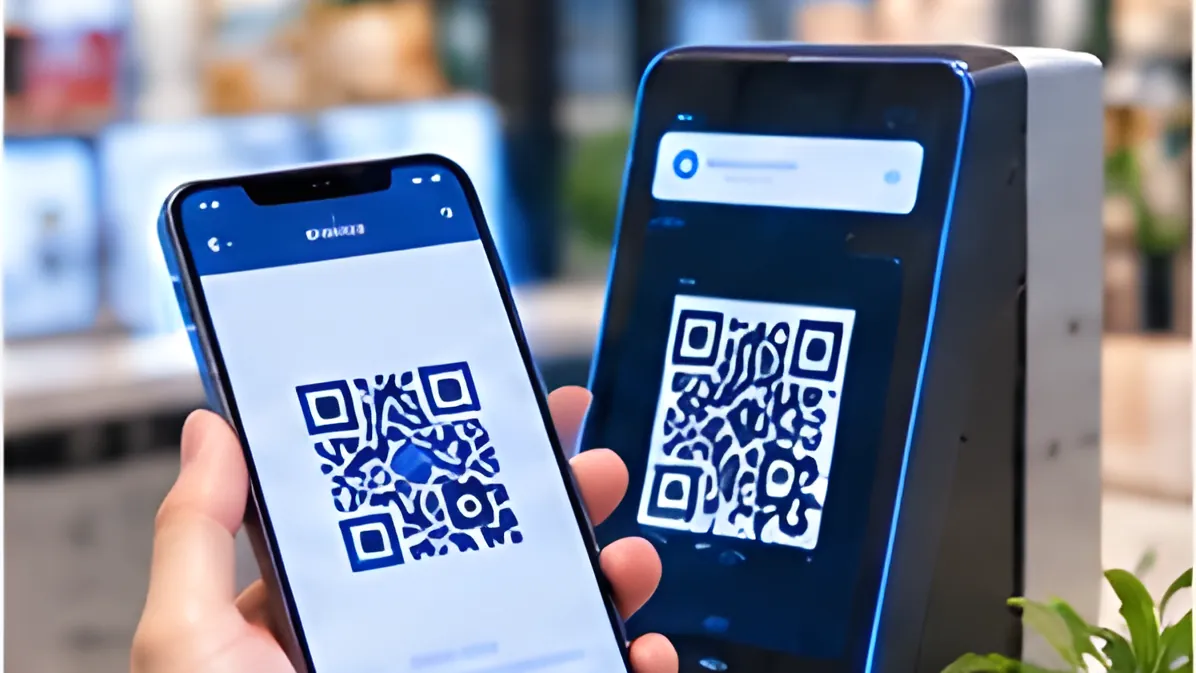
Instead of one static QR code taped to the counter, each order gets its own code with the amount and reference fixed in advance. Customers never re-enter details, which removes most input errors before they happen. Each code has a clear validity window, so nobody accidentally pays for an order that has been cancelled or has expired.
Multiple channels, one platform
Customers pay in different ways. VPLUS Payment supports QR bank transfers, e-wallets and cards within a single processing flow, so you are not running a separate system for each one. Whichever channel a customer chooses, the transaction is recorded in the same structure and appears on the same dashboard.
Automatic reconciliation
This is where finance teams get their time back. The platform automatically matches each transaction to its order using the amount and reference. Exact matches are closed immediately. Wrong amounts, missing references and unidentified payments are clearly flagged for the person responsible.
Rather than combing through an entire statement, your team focuses on a short list of exceptions, each with the context needed to resolve it quickly.

Instant status updates
The moment a transaction is confirmed, VPLUS Payment sends a webhook to your sales system. The cashier’s screen switches to “paid”, the online order moves to fulfilment, and the customer gets confirmation without anyone checking an account by hand. Counter queues move faster, and online orders never stall waiting for verification.
APIs and SDKs for websites and apps
Your engineering team can add payments to a website, mobile app or existing point-of-sale software through clearly designed APIs and SDKs. Core operations — creating a payment request, checking status and receiving notifications — are standardised, which keeps integration short and maintenance simple.
Secure by design
Requests between your systems and VPLUS Payment are digitally signed to prevent tampering. Access is granted by role, and every significant action is written to an audit log, so you always know who viewed or changed what, and when.
Business benefits
- Faster checkout: customers scan and go — no account numbers to read out, no waiting for manual checks.
- Fewer input errors: amounts and references are pre-filled for every order.
- Lighter reconciliation: transactions are matched automatically; your team only handles flagged exceptions.
- Clear cash visibility: revenue, transactions and statuses update in real time on one dashboard.
- Flexible integration: one platform serves stores, websites and apps.
- Tight control: role-based permissions and audit logs for every significant action.
Use cases
Stores & retail chains
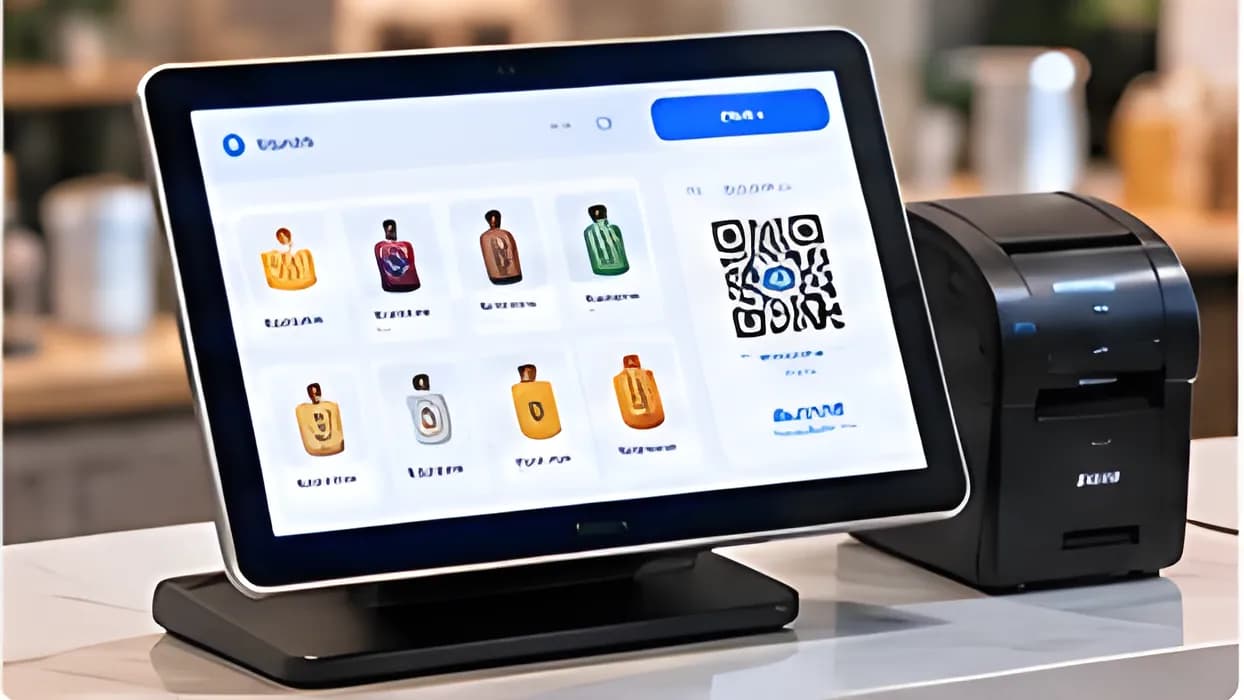
A convenience store chain runs several checkouts at once. When a cashier closes a sale, the screen shows a VietQR code with the exact amount; the customer scans and is confirmed within moments. At the end of the day, the store manager reviews revenue by counter and resolves a handful of flagged transactions instead of reconciling the full statement. Paired with Smart Retail, payment and sales data flow through the same ecosystem.
Websites & apps
An online shop integrates the payment API into its checkout. The customer receives a QR code right on the page and pays from their phone. A status webhook moves the order to packing automatically, with no one checking the account and updating it by hand.
Recurring billing
A training centre collects monthly tuition from many students. Each cycle, the platform generates a dedicated payment code per student with the right amount and reference. When funds arrive, each payment is attached to the correct record, so the finance team knows exactly who has paid and who needs a reminder.
Deployment & security
VPLUS Payment runs on the VPLUS multi-tenant platform, so you can start quickly and scale with more stores, channels and transactions. Security is built into the architecture rather than added afterwards.
- Tenant isolation: each customer’s data is kept separate on the platform.
- Role-based permissions: cashiers, store managers, accountants and administrators each see only what their job requires.
- Encryption: data is encrypted in transit and at rest.
- Signed requests: API calls and webhooks are signed to verify their origin.
- Audit logs: significant actions are recorded for later review.
If you need to verify customers before they transact, VPLUS Payment can be combined with eKYC in the same flow.
Try it on the real system
The best way to understand VPLUS Payment is to use it. Register for a trial account to generate a VietQR code for a sample order, watch its status change on the dashboard, and see automatic reconciliation at work with your own process.
Create an account to try Payment on the real system.
Try it- Dynamic VietQR per order
- Automatic reconciliation
- Instant status updates
- APIs for websites & apps
Key features
Dynamic VietQR
Per-order QR with exact amount and reference.
Multi-channel
QR transfers, e-wallets and cards.
Auto reconciliation
Matches transactions to orders, flags mismatches.
Instant updates
Status webhooks for your sales systems.
APIs & SDKs
Quick integration for websites and apps.
Secure transactions
Signed requests, permissions and audit logs.
Product interface
A few representative screens of the product.
Illustration — sample data
01
VietQR per order
Every order gets its own QR with the exact amount and reference — customers scan and pay.
Illustration — sample data
02
Tracking & reconciliation
Transactions are matched to orders automatically; mismatches are flagged for follow-up.
Built for
Stores & retail chains
Counter QR payments, end-of-day reconciliation.
Websites & apps
Payment API for online orders.
Recurring billing
Tuition, service fees, invoices.
Hands-on experience
Experience Payment on the real system
Sign up for a trial account or book a demo to try the product on the real system with sample data.
System access is granted by VPLUS once your registration is confirmed.
- 1
Sign up for a trial / demo account
Tell us about your business and what you need.
- 2
Experience environment activated
VPLUS prepares your account and sample data.
- 3
Try it on the real system
Use the full feature set, with VPLUS experts alongside you.

Ready to bring Payment to your business?
The VPLUS team will recommend the right setup for your size and processes.